In short, RAG is a style of LLM usage where you give the LLM more information on top of your prompt. Between prompt engineering and RAG, you can dramatically increase the ability of the model to predict an accurate response. This can be in the form of internet searches the agent performs automatically (like Gemini and ChatGPT do already), or in the form of documents you provide directly.
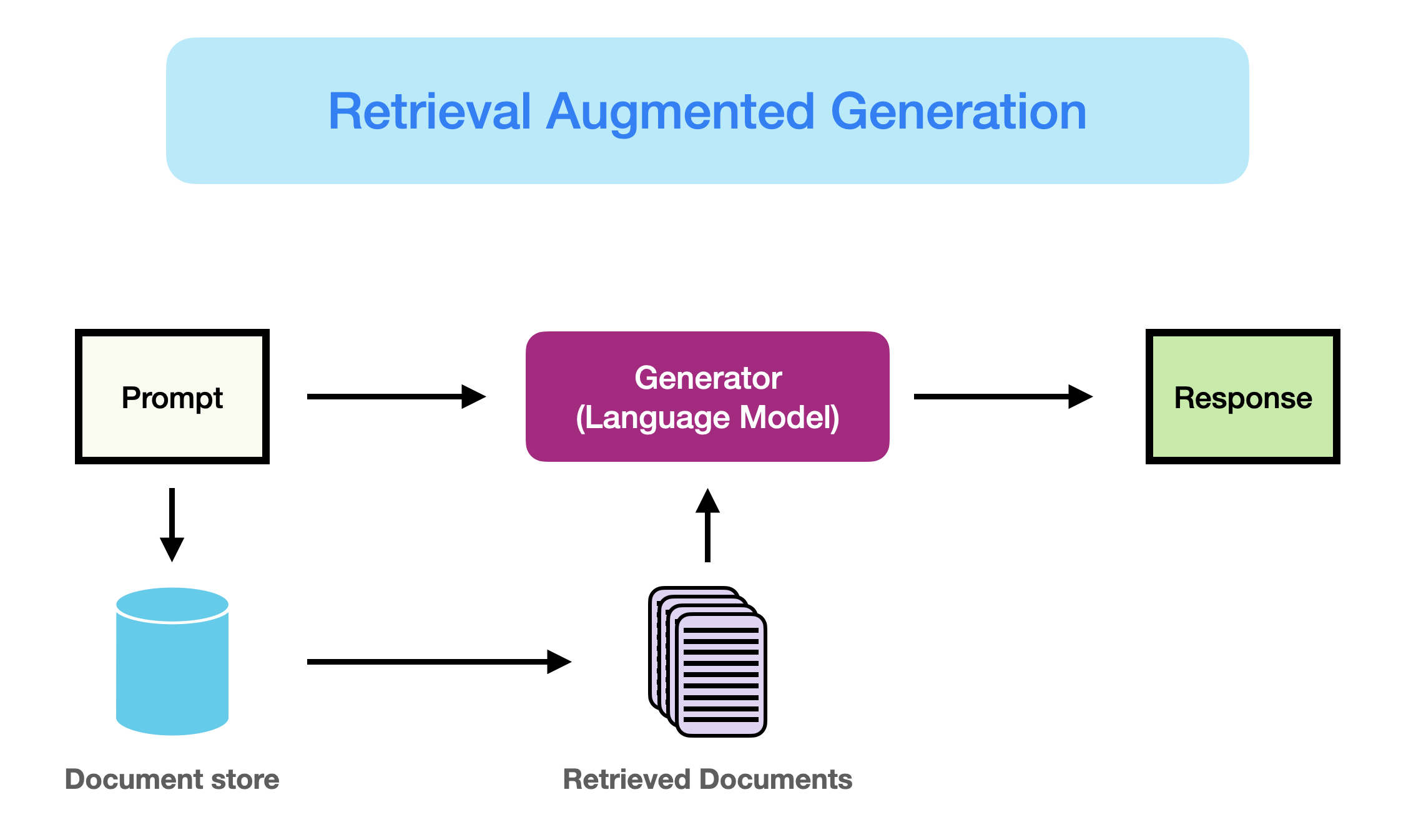
There are several ways you can directly add more content to your prompt. For small amounts of additional content, you can append information directly to the prompt and ask the model to use it. If you have a lot of input sources and you have several different prompts, you can use a more formal Retrieval Augmented Generation (RAG) framework to give the model targeted context from a larger set of documents that is specific to each prompt. There are several forms of RAG, but one of the most common flows is to use a semantic vector embedding model to convert chunks of text (like a paragraph) into a semantic vector that represents the meaning or topic of the paragraph in a topic vector space. You then store these vector representations, linked to the original chunks, in a database that can be easily compared to a prompt for similarity. The most similar vectors are selected and the associated chunks are returned to add to the prompt before submitting to the LLM.
I currently use the ChromaDB python package to create a local vector database. You can do this in “ephemeral” mode where the database is created in RAM and deleted after the code finishes executing. This may be better for small tasks or a process that creates a small vector database (quick) but runs for a while using that in memory. You can also create the ChromaDB in “persistent” mode, where it saves the database to the disk and you can access and add to it over time. There are many other vector database management systems, but at the time of this writing, ChromaDB is a very popular, simple vector database system for getting started on smaller projects. With enough data, it may be necessary to move to a system that can manage more documents efficiently.
There are many ways to increase the relevancy of the information that is retrieved. A simple change is to update the queries that are used to retrieve the information to better match the type of output you need. You can update the query iteratively to improve the output generated by the LLM, essentially “tuning” a query prompt. A more fun change is to train a “adjustment model” on top of the embedding model. The embedding model is a general purpose LLM that places the input text chunk into a topic space that spans very general topics (think “I love my fluffy Corgi” to the famous Spoke quote, “The needs of the many outweigh the needs of the few.”). If your task covers a much more narrow set of topics, it may help refine the retrieval step to map the general topic space to a new topic space that spans only the topics of interest. For example, in a legal context, you may want to distinguish “Recklessness” from “Negligence.” You can make this mapping between the general topic space and your more specific topic space by training a small neural network on text-query-answer tuples — so doing this training requires you to have “correct” answers a bunch of queries. Good news — there is a way to use the LLM to generate these answers, and even the queries, if you have a general template for the types of queries you will need. It’s LLMs all the way down.
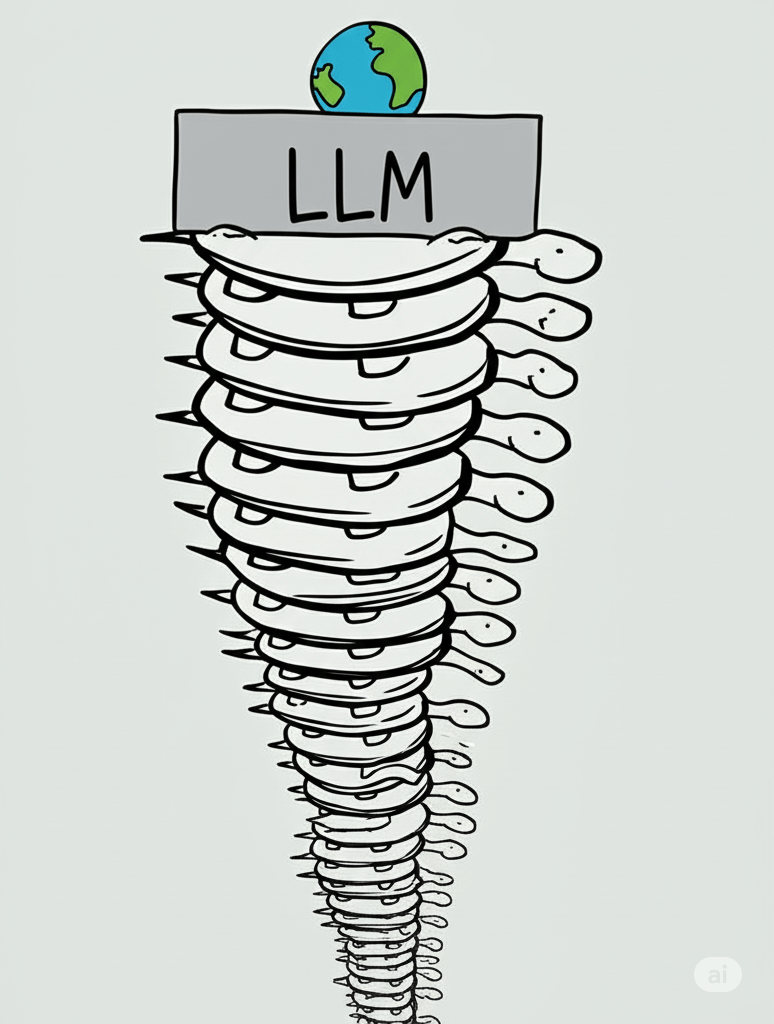
Source: Gemini
 Aaron C Watt
One thought on “Retrieval Augmented Generation (RAG)”